Filed Under: Technical SEO Resources, Indexing
Summarize this Post using AI





In this article we will learn together “What Is Indexing in Technical SEO” in a beginner friendly way for webmasters and technical SEO consultants.
By the end of this article you will understand: indexing, what triggers indexing, what triggers noindexing, when to index and when to noindex, and how to debug indexation delays without guessing.
Before stepping dive deep into this article, you may want to refer to my article “Crawl Budget” in order to understand how this topic correlates with crawling behavior and crawl budget terms in Technical SEO context.
And if you need help with your indexing and you are facing indexation delays and issues from Google’s end, you can request my Technical Audit SEO Service to spot crawling traps and indexing bottlenecks on your website.
Optimize My IndexingWhat Is Indexing in Technical SEO?
Indexing is the process where a search engine decides to store and organize a page (URL) in its database (the “index”) so it can later be retrieved and shown in search results for relevant queries.
A page existing on your website doesn’t mean it will be indexed. A page can be:
- Discovered but not crawled yet.
- Crawled but not rendered (for JS-heavy pages).
- Rendered but not indexed (duplicate, thin, low value, or conflicting signals).
- Indexed but not ranking (different issue: relevance and competition).
What does “indexed” mean for a business site?
For most websites, indexing is the “eligibility checkpoint.”
- If a page is not indexed, it can’t rank consistently (or sometimes at all).
- If too many low-value pages get indexed, your site can suffer from index bloat, diluted signals, and wasted crawling capacity.
Is indexing the same as ranking?
No.
- Indexing is “stored and eligible.”
- Ranking is “chosen and ordered for a query.”
What Is The Difference Between Crawling, Rendering, and Indexing?
These three words get mixed up, but they represent different stages in how Google and other search engines process a page.
What is crawling?
Crawling is when a bot (like Googlebot) requests a URL from your server.
- It fetches the HTML.
- It may also fetch linked resources needed to understand the page (CSS/JS/images), depending on the crawler and the page type.
What is rendering?
Rendering is when Google processes the page like a browser would:
- Executes JavaScript (if required).
- Builds the final DOM (what users actually see).
- Extracts content and links that only appear after JS runs.
Not every page needs full rendering to be understood, but modern sites often do.
What is indexing?
Indexing is the decision and storage stage:
- Google evaluates the page’s signals (canonical, content, uniqueness, internal links, quality, etc.).
- Google decides whether to store it and under which “canonical” URL.
Why this difference matters in real life
Because each stage can fail independently:
- If crawling is blocked, indexing can’t happen reliably.
- If rendering fails (JS issues), Google may miss content and links.
- If indexing is refused (duplicate/thin/conflicting signals), the page stays excluded even though Google “visited” it.
How Indexing Works In Technical SEO? (From URL discovery to index selection)
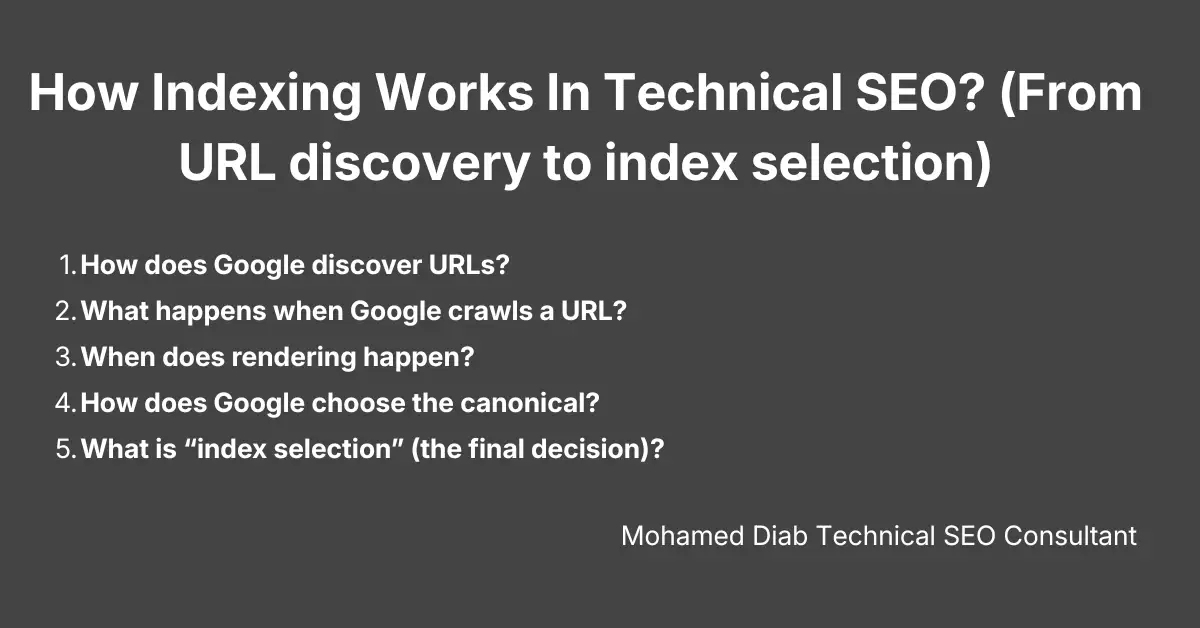
Indexing is not one button. It’s a pipeline. Understanding the pipeline helps you diagnose the exact failure point.
1) How does Google discover URLs?
Google discovers URLs mainly through:
- Internal links (navigation, category links, contextual links).
- XML sitemaps.
- External links (backlinks).
- Redirects and canonical references (secondary discovery source).
- Known URL patterns (less reliable, and often a source of crawl waste if your site generates infinite URL variants).
Technical SEO takeaway: if a URL is not internally linked and not in a sitemap, it is asking for delayed discovery and delayed indexing.
2) What happens when Google crawls a URL?
When Google crawls:
- It receives status code + headers.
- It downloads the HTML.
- It interprets directives like robots meta tags and canonical tags.
At this stage, Google starts forming a “first opinion”:
- Is this a valid page (200)?
- Is it a redirect (301/302)?
- Is it an error (404/5xx)?
- Is it blocked by robots directives?
3) When does rendering happen?
Rendering often happens when:
- Main content is created via JavaScript.
- Internal links important for discovery are injected by JavaScript.
- Metadata (titles/descriptions) or structured data is injected by JavaScript.
If your site relies on JS for core content, you must treat rendering as part of the indexing budget, not a “nice-to-have.”
4) How does Google choose the canonical?
Canonical selection is a major indexing gate.
Google uses signals like:
rel=canonicaldeclarations.- Internal linking consistency.
- Redirect behavior (HTTP→HTTPS, non-www→www).
- URL parameters and duplicates.
- Content similarity and templating footprints.
If you create 50 variations of the same page, Google will usually select one “main” version and treat the others as duplicates, meaning they are unlikely to be indexed.
5) What is “index selection” (the final decision)?
Google asks: “Is this URL worth storing as a unique search result?”
Common reasons for
exclusion at this point:
- Duplicate or near-duplicate content.
- Thin content.
- Soft 404 behavior.
- Low-value pages created at scale (tags, internal search, auto-generated filters).
- Conflicting signals (noindex + canonical mismatch, inconsistent internal links).
What Makes A URL Indexable? (Indexability checklist)
When indexing issues happen, don’t start with theories. Start with an indexability checklist.
Technical requirements (must pass)
- The URL returns 200 OK for the final destination.
- The page is not blocked by a
noindexdirective (meta robots or HTTP header). - The page is not blocked by robots.txt in a way that prevents Google from seeing index directives and canonical signals (this is where many sites create “stuck” URLs).
- The canonical is consistent:
- Self-referencing canonical for pages you want indexed.
- Canonical points to the preferred page when dealing with duplicates.
- The page is accessible without requiring login, geo-block exceptions, or fragile JS-only rendering.
Content requirements (must be “unique enough”)
- Clear main content (not only boilerplate template).
- Satisfies a distinct intent (not a slightly reshuffled copy of another page).
- Avoids empty states:
- “No products found”
- “Search results: 0”
- “This item is unavailable” with no alternatives
Site signal requirements (helps Google prioritize)
- Internally linked from relevant pages (not orphaned).
- Included in the correct XML sitemap (only if it’s index-worthy).
- Not buried behind infinite crawl paths (facets, calendars, internal search traps).
What Triggers Indexing Faster? (Indexing accelerators)
Indexing speed is usually improved by clarity and prioritization, not by “submitting the URL 10 times.”
Strengthen discovery and priority signals
- Add internal links from strong pages:
- Homepage, main categories, high-authority editorial pages.
- Use contextual internal links (not only footer links).
- Reduce click depth for money pages.
Make your sitemaps work like a roadmap (not a dumping ground)
- Keep sitemaps clean: only canonical, indexable URLs.
- Segment sitemaps by type (products, categories, blog).
- Ensure last modification signals reflect real content updates (don’t fake freshness).
Reduce duplicate URL generation
This is one of the biggest indexing accelerators because it reduces noise.
- Control parameters.
- Control facets.
- Avoid creating multiple URLs for the same content entity.
Improve server consistency
If your server is unstable, Google will crawl less and re-check less.
- Reduce 5xx errors.
- Reduce timeouts.
- Reduce redirect chains.
- Ensure mobile and desktop versions serve consistent content.
What Triggers Noindexing or Non-Indexing?
This section is important because beginners treat “not indexed” as one problem, but it has multiple causes.
What causes explicit noindexing?
Explicit noindexing happens when you tell search engines “do not index this page” using:
- Meta robots tag:
noindex - HTTP header:
X-Robots-Tag: noindex
Common intentional noindex pages:
- Admin pages.
- Account pages.
- Cart/checkout.
- Internal search results.
- Thank-you pages or private flows.
What causes “non-indexing” even without a noindex tag?
Non-indexing can happen when Google decides the page is not index-worthy:
- Duplicate / near-duplicate pages (Google picks a different canonical).
- Thin pages (insufficient unique content).
- Soft 404 behavior (page returns 200 but content behaves like a 404).
- Parameter variants (sort, filter, tracking).
- Mass-generated low-value pages.
What causes “indexation conflicts”?
These happen when signals fight each other:
- You set canonical to URL A, but internal links heavily point to URL B.
- You block crawling in robots.txt but expect Google to see your noindex or canonical tags.
- You noindex a page that you also want to consolidate via canonical (often misunderstood).
When To Index and When To Noindex?
This is where technical SEO becomes strategic. Indexing is not “index everything.” Indexing is “index what deserves to rank.”
When should you index a page?
Index pages that:
- Match real search demand (category pages, product pages, key informational guides).
- Have unique value (unique copy, unique assortment, unique intent).
- Drive conversions or assist conversions (money pages + supporting content).
- Represent stable entities (not temporary states or personalized states).
Examples (typically index):
- Category pages targeting search intent (e.g., “running shoes”).
- Important subcategories (e.g., “trail running shoes”).
- Product pages with unique inventory and content.
- Evergreen guides that support categories.
When should you noindex a page?
Noindex pages that:
- Have no search demand or should not rank.
- Create duplication at scale.
- Are utility pages, not landing pages.
Examples (typically noindex):
- Internal search result pages.
- Cart/checkout/account pages.
- Filtered/sorted variants that don’t represent a meaningful standalone landing page.
- Test/staging URLs (also secure them properly).
When noindex can “save” your technical SEO
Noindex can reduce index bloat and prevent low-quality pages from being stored as search results, which helps keep your indexed set cleaner and improves how your site is represented in search.
But noindex is not a magic cleanup button. If your site creates millions of crawlable low-value URLs, Google can still waste crawl resources fetching them—even if you noindex them—so architecture control and URL governance still matter.
Noindex vs Canonical vs Robots.txt (Which one should you choose?)
This is one of the most important decision points in technical SEO.
When should you use noindex?
Use noindex when:
- You do not want a URL to appear in search results.
- The page might still need to exist for users.
- You want Google to crawl it (so it can see
noindex) and then exclude it.
Good for:
- Internal search.
- Account pages.
- Thank-you pages.
- Thin utility pages.
When should you use canonical?
Use canonical when:
- Multiple URLs represent the same (or nearly the same) content entity.
- You want one “master URL” indexed.
- You want signals consolidated.
Good for:
- Tracking parameters.
- Sort parameters.
- Duplicate product URLs caused by variants or URL structure.
When should you use robots.txt?
Use robots.txt when:
- A URL space creates crawl waste and has no indexing value.
- You must prevent crawling at scale (infinite traps).
Good for:
- Endless filter combinations (in many cases).
- Internal search paths.
- Auto-generated URL patterns that have no SEO value.
The most common mistake
Blocking a URL in robots.txt while expecting Google to obey noindex on that URL.
- If Google can’t crawl it, Google may not see the
noindex. - That can lead to “stuck” URLs lingering as “known but not indexed properly,” especially if they have external links or internal references.
Indexing delays and exclusions in Google Search Console (beginner-friendly)
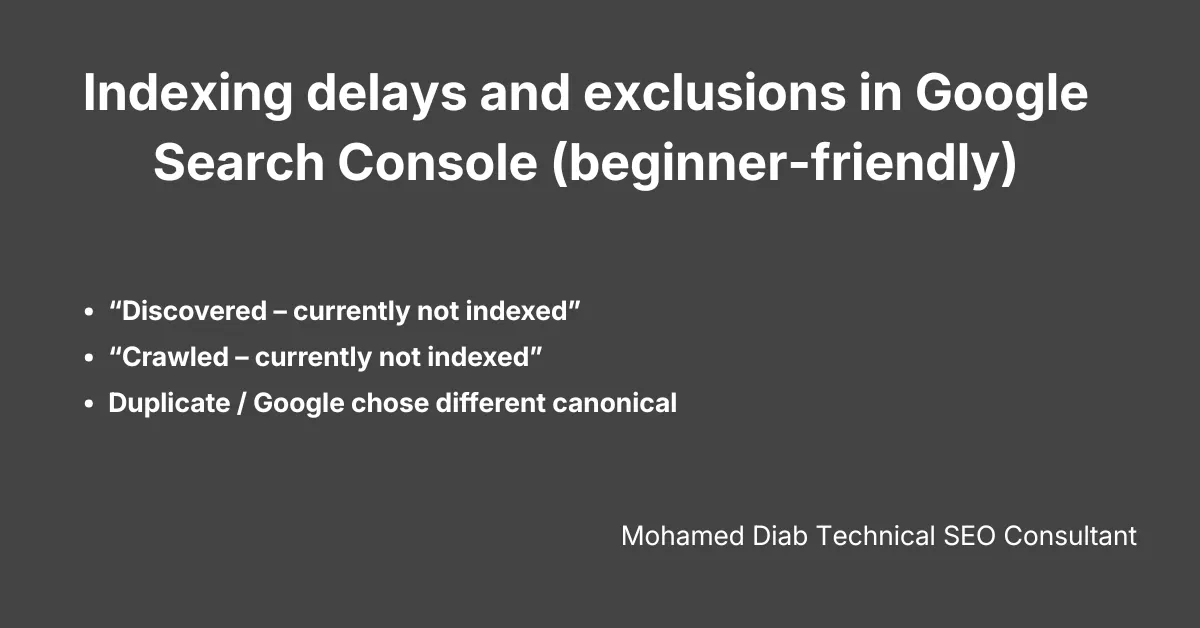
When you see indexing issues, the goal is to translate the label into an action.
“Discovered – currently not indexed”
You can find the full breakdown of the Discovered – currently not indexed report in my dedicated guide, but essentially, this status appears when Google has encountered the URL but decided to postpone the crawl to save resources.Often means:
- Google knows the URL exists (found via links or sitemap).
- Google hasn’t prioritized crawling it yet.
Typical causes:
- Too many low-value URLs competing for attention.
- Weak internal linking to that URL.
- The site has a history of low-value or duplicate pages.
- Crawl budget is being spent elsewhere.
“Crawled – currently not indexed”
The report of the issue “Crawled – currently not indexed” can be found in Google Search Console -> Indexing -> Page report -> Crawled – currently not indexed and rest of the other page indexing reports.
Often means:
- Google fetched the URL.
- Google decided “not worth indexing right now.”
Typical causes:
- Duplicate/near-duplicate content.
- Thin content or template-heavy pages.
- Soft 404 behavior.
- The page lacks a distinct purpose compared to existing indexed pages.
Duplicate / Google chose different canonical
Often means:
- Your canonical signals weren’t trusted, or you created too many versions.
Action path: - Fix canonical consistency + internal linking consistency.
- Reduce duplicates at the source (URL rules, parameters, facets).
Practical troubleshooting flow (step-by-step)
Use this exact flow whenever a URL is “not indexed” or indexing is delayed.
Step 1: Confirm the URL is technically valid
- Final URL returns 200 OK (not a redirect chain).
- No accidental
noindex. - Not blocked from crawling in a way that prevents evaluation.
Step 2: Confirm canonical intent
- If you want it indexed: self-canonical (usually).
- If you don’t want it indexed: canonical to the master URL (for duplicates) or noindex (for non-search pages).
- Ensure internal links point to the canonical version.
Step 3: Check content uniqueness and intent
Ask:
- What is the unique query intent this page serves?
- Is it different enough from nearby pages?
- Does it have substantial main content, or is it mostly boilerplate?
Step 4: Check internal linking reality (not theory)
- Is the page linked from relevant category pages?
- Is it only reachable via filters/search?
- Is it buried deep?
Step 5: Check sitemap hygiene
- Is it included in the correct sitemap?
- Are you submitting non-canonical or non-indexable URLs by mistake?
Step 6: Reduce crawl waste if indexing is slow sitewide
If many important URLs are delayed, it’s often not one page’s fault.
- Eliminate crawl traps.
- Control parameters/facets.
- Consolidate duplicates.
- Stabilize server responses.
Final note (how to think like a technical SEO)
Indexing is not a “submit and wait” activity. It’s the result of:
- Clean URL governance (no infinite duplicates).
- Clear signals (canonical + internal links aligned).
- Index-worthy page intent (unique, useful, not thin).
- Stable crawling conditions (server reliability + reduced crawl waste).